

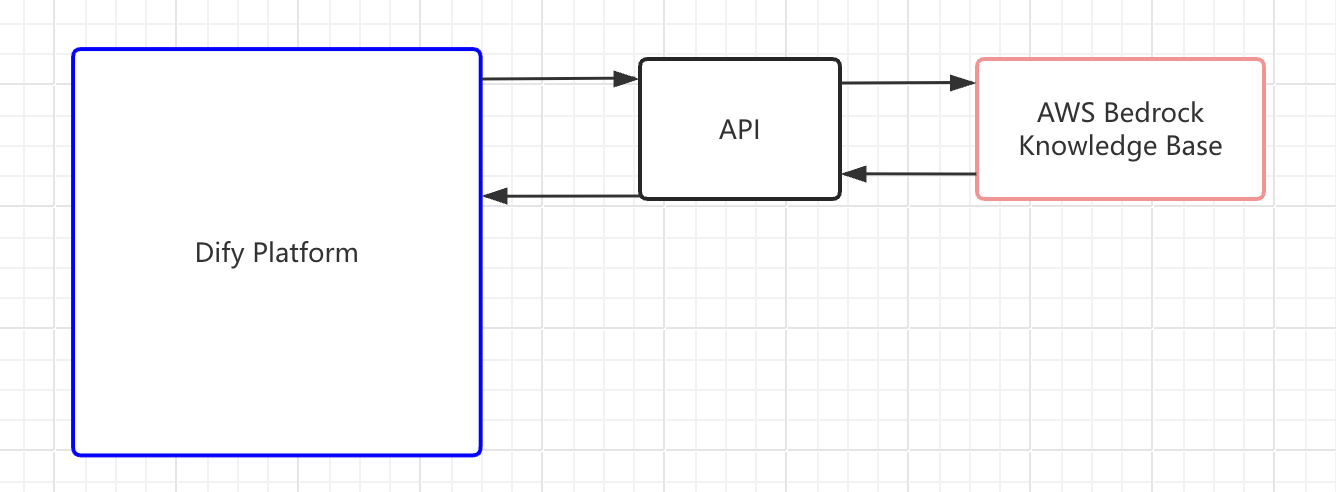
- Build an API service that Dify can query.
- Register the API endpoint in Dify.
- Connect a specific knowledge source through the registered API.
Dify only has retrieval access to external knowledge bases. It cannot modify or manage your external content. You maintain the knowledge base and its retrieval logic independently.
Step 1: Build the Retrieval API
Build an API service that implements the External Knowledge API specification. Your service needs a singlePOST endpoint that accepts a search query and returns matching text chunks with similarity scores.
Step 2: Register an External Knowledge API
An External Knowledge API stores your endpoint URL and authentication credentials. Multiple knowledge bases can share one API connection.- Go to Knowledge, click External Knowledge API in the upper-right corner, then click Add an External Knowledge API.
-
Fill in the following fields:
- Name: A label to distinguish this API connection from others.
- API Endpoint: The base URL of your external knowledge service. Dify appends
/retrievalautomatically when sending requests. - API Key: The authentication credential for your service. Dify sends this as a Bearer token in the
Authorizationheader.
Step 3: Create an External Knowledge Base
With the API registered, connect an external knowledge source to Dify. This creates a knowledge base in Dify that is linked to your external system.-
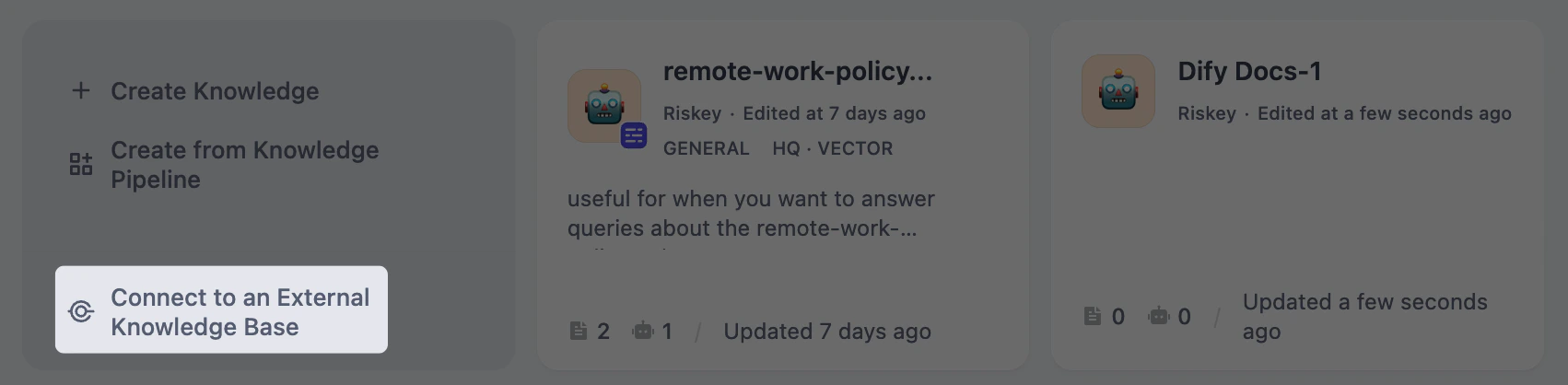
Go to Knowledge and click Connect to an External Knowledge Base.
-
Fill in the following fields:
- External Knowledge Name and Knowledge Description (optional).
- External Knowledge API: Select the API connection you registered.
-
External Knowledge ID: The identifier of the specific knowledge source within your external system, passed to your API as the
knowledge_idfield. This is whatever ID your external service uses to distinguish between different knowledge bases. For example, a Bedrock knowledge base ARN or an ID you defined in your own system.The External Knowledge API and External Knowledge ID cannot be changed after creation. To use a different API or knowledge source, create a new external knowledge base. -
Retrieval Settings:
- Top K: Maximum number of chunks to retrieve per query. Higher values return more results but may include less relevant content.
- Score Threshold: Minimum similarity score for returned chunks. Enable this to filter out low-relevance results. Use higher value for stricter relevance or lower value to include broader matches. When disabled, all results up to the Top K limit are returned regardless of score.
Troubleshoot
API Response Format Issues
If retrieval fails or returns unexpected results, verify your API response against the External Knowledge API specification. Common issues:- The
metadatafield in each record must be an object ({}), notnull. Anullvalue causes errors in the retrieval pipeline. - The
contentandscorefields must be present in every record.