

Integration Types
- Model Provider: The models that power your apps, from LLMs to embedding and rerank models.
- Tool: Capabilities your agents and workflows can call, including tool plugins, MCP servers, published workflows, and OpenAPI services.
- Data Source: External content for knowledge bases, such as Google Drive or Notion pages.
- Trigger: Start a workflow automatically when an external event fires.
- Agent Strategy: The reasoning strategy an Agent node follows to make decisions, select and call tools, and act on the results.
- Custom Endpoint: Connect your own API to add content moderation or external data tools to your apps.
- Extension: Integrations that expose custom HTTP endpoints, extending Dify with capabilities the other categories don’t cover.
Install Integrations
Add integrations from three sources:-
Marketplace: Integrations from Dify, its partners, and community developers. Each integration is reviewed and tested before publication, then maintained by its publisher.
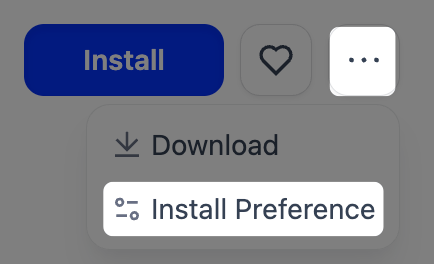
If you open the Marketplace inside Dify, the integration installs to your current deployment when you click Install.If you open the Marketplace another way, set your deployment’s URL in Install Preference before installing. Your browser remembers the target.
- GitHub: Install from any public repository by URL and version.
-
Local Package File: Custom
.difypkgpackages for private or internal integrations.
Permissions and Updates
The workspace owner and admins control who can install and debug integrations from Permissions, at the bottom of the Integrations page. Each permission can go to everyone, admins only, or no one:- Who can install and manage? covers installing and upgrading integrations. Only the workspace owner and admins can remove them.
- Who can debug? covers the debugging key, which lets a member attach an integration they’re developing to this workspace for remote debugging.
Build Your Own
Need an integration that doesn’t exist yet? Build it with Dify’s plugin SDK, then keep it private or publish it to the Marketplace. See Develop a Plugin.