

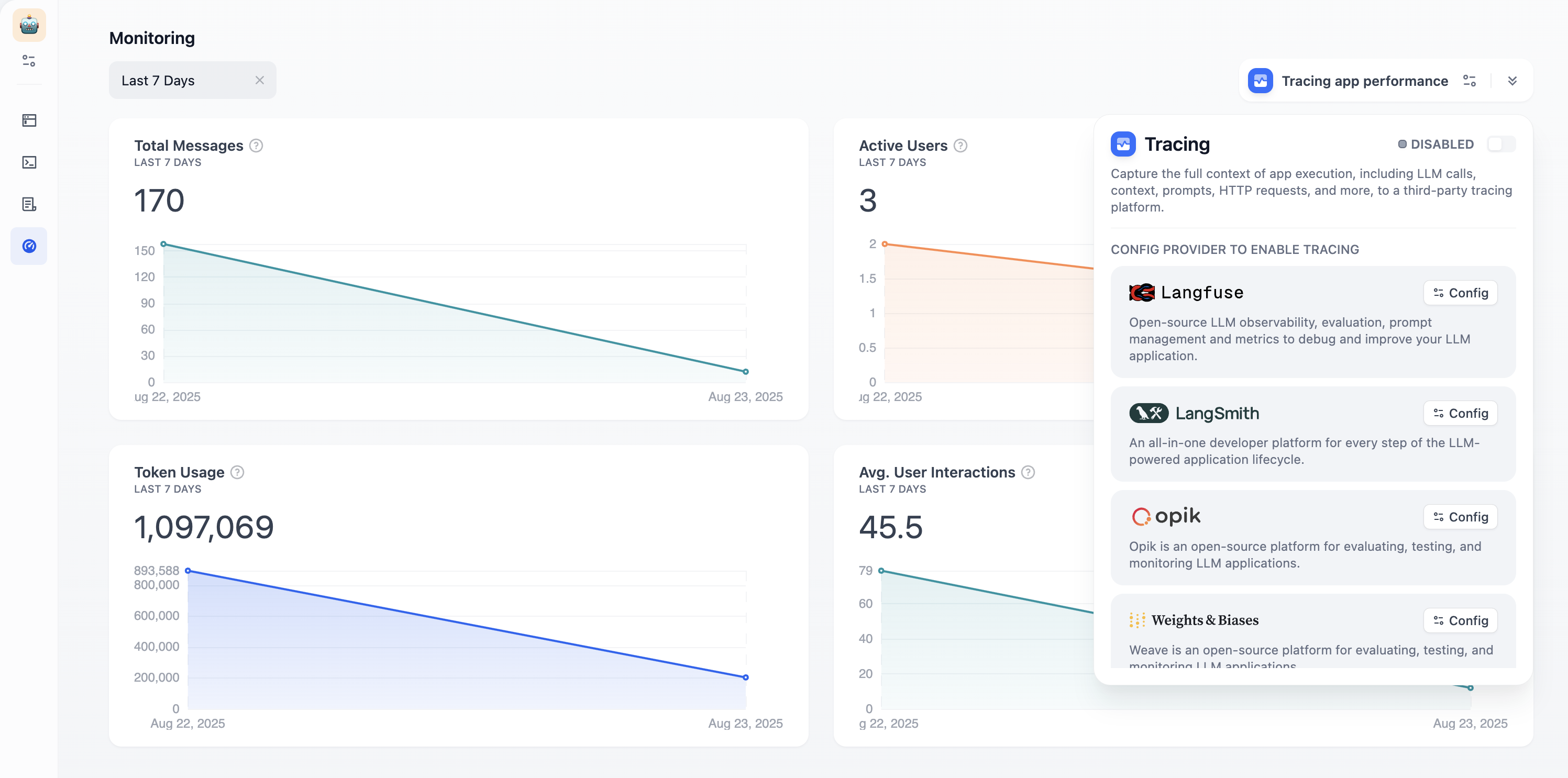
Active Users: Users with meaningful interactions (more than one exchange)
Average User Interactions: Engagement depth per session
Token Usage: Resource consumption and costs Use the time selector to view trends over different periods. Click “Tracing app performance” to connect external observability platforms like Langfuse or LangSmith for deeper analytics. For an Agent, open the same tracing settings from the Agent’s Monitoring section. To see inputs and outputs in the traces of an Agent app or a workflow with an Agent node, turn on Capture content under Agent data capture. It covers every node in those traces, not only the Agent.
Agent tracing is off by default. Enable it by setting:
OPS_AGENT_TRACE_ENABLED=trueDIFY_AGENT_APPLICATION_TRACING_ENABLED=true